SEO Techniques for Better Website Visibility help website owners make their pages easier to find online. Creating a website is only the first step towards building an online presence. The next challenge is helping people discover it when they search for information, products, or services. Even a website with useful content may struggle to attract visitors if its pages are difficult to find.
Using SEO techniques for better website visibility can help people discover relevant pages more easily.
Search engine optimisation involves improving different parts of a website so visitors can find information, understand the content, and navigate between pages without difficulty. This includes creating content that meets audience needs, organising pages clearly, and maintaining good website performance. Together, these practices help build a stronger foundation for attracting relevant visitors.
1. Find Out What People Want to Know
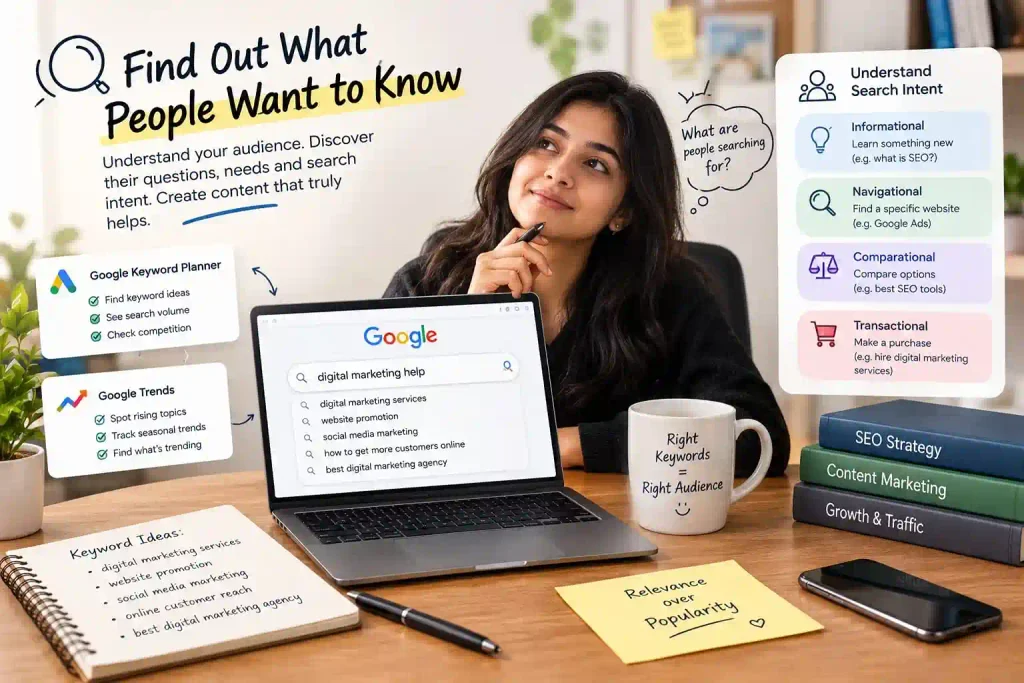
A good SEO plan begins with understanding the people you want to reach. Consider what they might type into Google when looking for an answer or trying to solve a problem. Someone searching for digital marketing help, for instance, may want to learn about website promotion, social media services, or ways to reach potential customers online.
Keyword research helps you discover these search phrases and identify topics worth covering. Google Keyword Planner and Google Trends are useful starting points for exploring search terms and changes in interest.
Once you have a list of possible keywords, examine what the searcher is trying to find. Some people need a basic explanation, while others want to compare services or make a purchase. Your webpage should match that purpose. Selecting keywords based on relevance, rather than popularity alone, helps you create content for the right audience.
2. Write Articles That Answer Genuine Questions
People visit a website because they expect to find something useful. Your content should give them a clear answer, explain a process, or help them make an informed decision.
Before writing an article, decide what the reader should understand by the end. Arrange the information in a sensible order, explain unfamiliar terms, and include examples that make complicated ideas easier to follow. Remove sentences that repeat information without adding anything new.
You can make your writing more distinctive by including your own observations, practical demonstrations, or comparisons between different methods. For instance, rather than simply describing website promotion, explain how a small business could improve the information on its service pages.
Existing articles also deserve attention. Check your older articles from time to time and update any details that are no longer accurate or sections that leave readers’ questions unanswered. Useful, accurate content is a better long-term goal than publishing large numbers of similar articles.
3. Choose SEO Techniques for Better Website Visibility
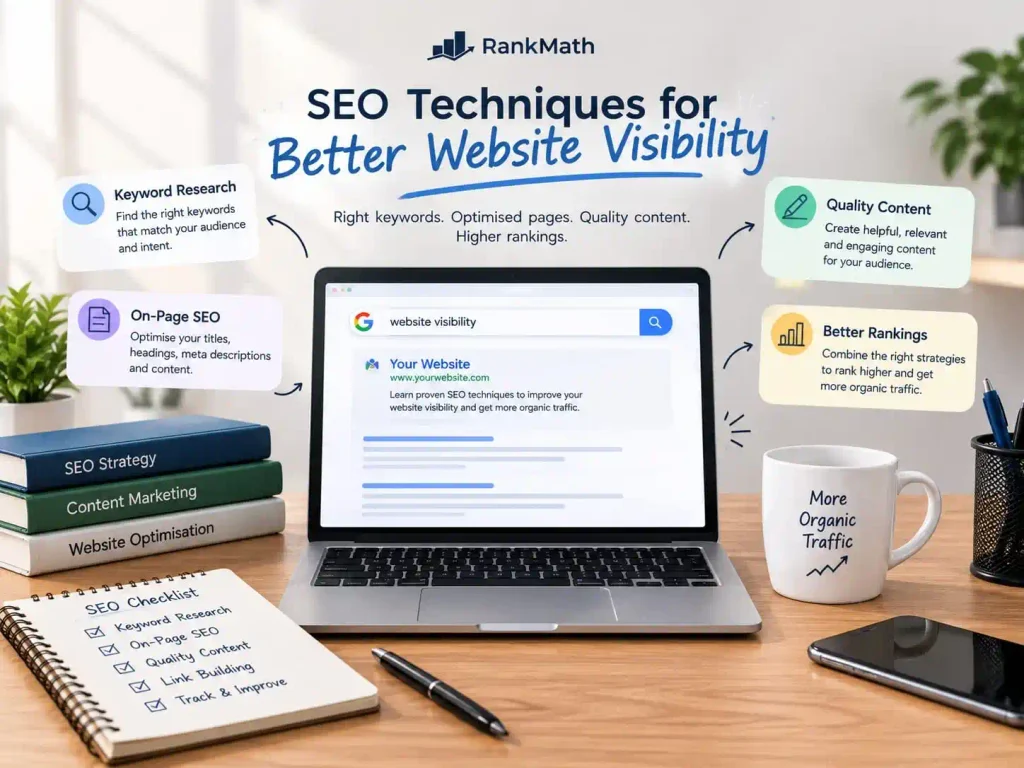
Each webpage needs a specific topic that clearly communicates its main purpose to readers. Choosing an appropriate main keyword helps you plan the content around that subject without making the writing sound forced.
Include the main phrase in suitable places, such as the SEO title, primary heading, opening paragraph, and URL when practical. An image description may include the phrase if it accurately describes the image. These placements should make sense in context rather than follow a rigid formula.
Related expressions can help you cover the subject more completely. An article about website visibility, for example, might naturally discuss search traffic, page optimisation, website usability, and search results.
Read the finished article aloud to check whether the keywords sound natural. If a phrase makes a sentence awkward or causes the same idea to appear repeatedly, rewrite that section. The aim is to create a helpful page that addresses the topic clearly, not to repeat a keyword a fixed number of times.
4. Write Clear Search Titles and Descriptions
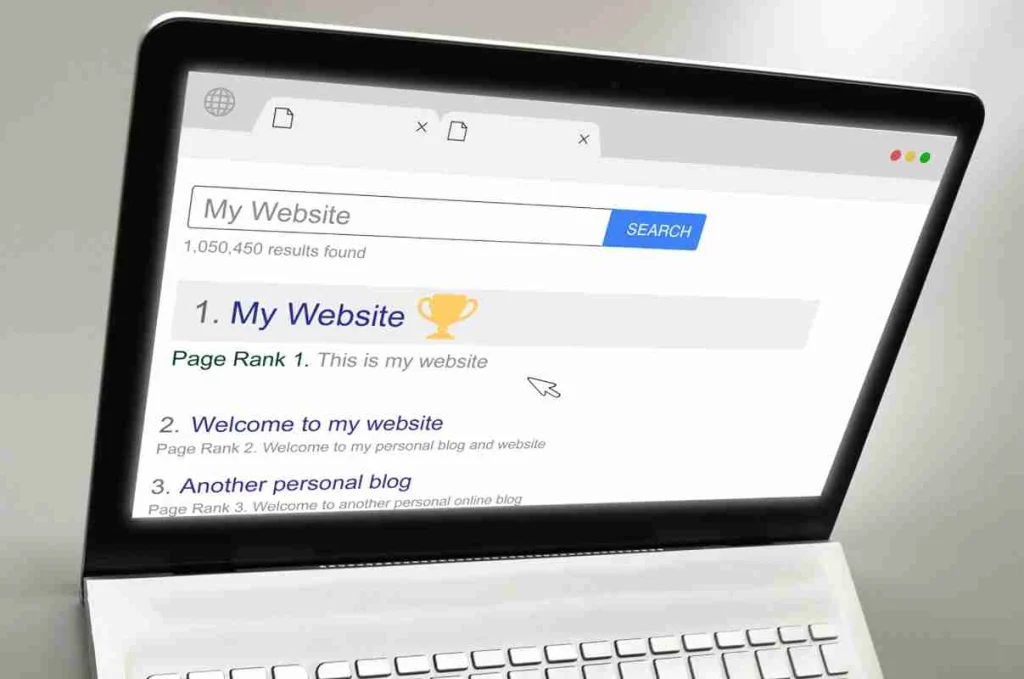
When a webpage appears in search results, its title gives people an initial idea of the information available on that page. A vague title may not communicate the subject clearly, even when the article itself is useful.
Create a distinct, accurate title for each important page. Keep it closely connected to the page’s main topic and avoid adding unrelated phrases just to attract attention.
A meta description gives a brief overview of the page. Search engines may display this text in their results, although they can choose a different excerpt from the content. A well-written description should explain what the reader can expect to learn.
For an article about website optimisation, you could write: “Learn practical ways to improve website visibility through useful content, better page structure, and effective SEO practices.”
Review the title and description together. Both should represent the actual page and give potential visitors a clear reason to explore it.
5. Arrange Information in a Logical Order
Visitors should be able to understand a webpage without struggling to follow its layout. A long article becomes easier to read when its information is divided into sections that each cover a particular point.
Use the main heading to identify the page’s subject. Place major topics under H2 headings and use H3 headings when a section needs smaller subsections. This arrangement keeps the content organised and allows readers to find the sections they need more easily.
Keep paragraphs focused on one main idea. Use descriptive headings instead of vague labels, and make sure each section follows naturally from the one before it.
When editing a page in WordPress, choose heading levels according to the content hierarchy rather than appearance alone. Font size and styling can be adjusted separately. A consistent structure makes the page easier to scan and helps communicate how its information is organised.
6. Check How the Website Works on Phones
A webpage that looks good on a computer may not work equally well on a smartphone. Small text, crowded menus, oversized images, and difficult-to-use forms can prevent visitors from accessing information comfortably.
Check whether the page layout adapts to different screen widths. Text should be readable, images should remain within the available space, and interactive elements should be easy to use with a finger. Navigation menus should also allow visitors to reach important pages without confusion.
Test your homepage, blog posts, contact page,and service pages on mobile devices as well as desktop screens.Pay attention to any horizontal scrolling, overlapping elements, or buttons that are difficult to tap.
A responsive layout allows content to adjust to the device being used. This makes browsing more convenient and supports a better experience for people visiting your website.
7. Reduce Unnecessary Website Loading Time
Visitors may become frustrated when a page takes too long to display its content. Slow loading can result from several factors, including oversized images, unnecessary code, or resources that are not configured efficiently.
Start by testing important pages with Google PageSpeed Insights. Its reports provide performance measurements and identify issues that may need further investigation.
Image optimisation is a practical place to begin. Resize images to suit their intended display dimensions and compress them before uploading. Formats such as WebP can reduce file sizes while retaining suitable visual quality. You can also review unused plugins and scripts that add resources to your pages.
Make one change at a time and test the result. Not every website has the same performance problems, so improvements should be based on the issues identified rather than assumptions about what is slowing the page down.
Improving loading speed is one of the SEO techniques for better website visibility because it helps create a smoother experience for visitors.
8. Connect Related Pages on Your Website
Readers may want additional information after finishing an article. Internal links give them a straightforward way to move from one relevant page to another within your website.
Imagine that you have published an article about improving website visibility. You could link to a related guide about keyword research or a service page explaining your SEO support. This gives readers a useful next step without interrupting the flow of the article.
You can also explore my services as a best digital marketer in Thrissur to learn more about digital marketing strategies for improving your online presence.
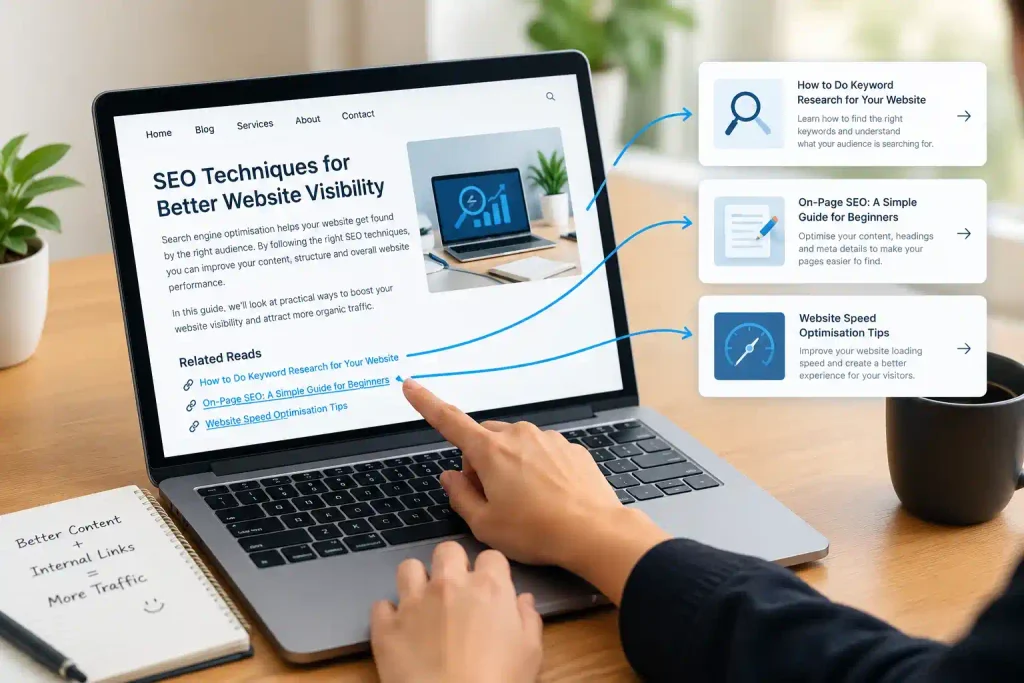
Choose link text that describes the destination. For example, “learn more about keyword research” tells visitors more than a vague phrase such as “click here.”
Review older posts when publishing new content to identify relevant linking opportunities. Avoid adding links simply to increase their number. Each link should help readers find information that relates to what they are currently reading.
9. Build Trust Through Relevant External Links
Links from other websites can introduce new audiences to your content. When a relevant website refers readers to a useful page on your site, it may also provide a positive signal about your site’s reputation.
Focus on creating resources that other website owners would genuinely find useful. Original research, detailed guides, practical explanations, and helpful industry contributions can provide reasons for others to reference your work.
Businesses can also explore appropriate industry associations, reputable directories, and legitimate local listings. Before pursuing a link, consider whether the source is relevant to your subject and whether its audience would benefit from discovering your website.
Avoid schemes designed to generate large numbers of artificial links. Buying links solely to manipulate rankings or participating in link exchanges at scale can create problems. Building relationships and publishing worthwhile content is a more sustainable approach.
10. Prepare Images Before Publishing Them
Images can make an article easier to understand, particularly when they illustrate a process or demonstrate an example. However, poorly prepared images may increase page size or provide little useful information to visitors using assistive technology.
Choose visuals that support the surrounding text. Give image files descriptive names before uploading them, and reduce their file sizes without making them unnecessarily blurry. Select an appropriate format according to the image’s appearance and intended use.
Alternative text, commonly called alt text, should explain the important information conveyed by an image. For example, a photograph showing a person examining website reports could use a description such as “Person reviewing website traffic data on a laptop.”
Describe what is actually visible rather than inserting keywords that do not fit the image. Images used purely for decoration can generally have empty alt text. These choices help make the content more accessible and allow the image to serve a clear purpose.
11. Help Nearby Customers Discover Your Business
Businesses serving a particular area can make their online information more useful to people searching for local services. Someone looking for a service provider nearby may want to know the business’s location, contact details, available services, and opening hours.
Eligible businesses can create or maintain a Google Business Profile. Check that the business category, contact information, hours, and other details are accurate. Add suitable photographs and respond professionally to customer feedback.
Your website should also explain the locations you genuinely serve. For example, a business working with customers in Thrissur can mention that service area on an appropriate page when it helps visitors understand its availability.
Avoid publishing several pages with nearly identical content just to target different towns. Each location page should contain useful, accurate information relevant to customers in that area.
12. Use Website Data to Decide What to Improve
SEO work becomes more effective when you examine how people find and use your website. Instead of making changes based entirely on guesswork, review the available performance information.
Google Search Console helps you examine search queries, page impressions, clicks, and indexing information. Google Analytics can provide additional insight into website visits and user interactions.
Look at the results for individual pages as well as the website overall. If a page appears in search results frequently but receives few clicks, consider whether its title clearly communicates the value of the content. If visitors arrive but struggle to find important information, review the page layout and navigation.
Changes may take time to influence search performance, so avoid drawing conclusions from a very short observation period. Track relevant measurements, make improvements where necessary, and compare results over a reasonable period.
SEO Problems That Can Hold a Website Back
Some optimisation habits make websites less useful or create unnecessary work. When reviewing your pages, watch for these issues:
- Adding the same keyword repeatedly even when it does not fit the sentence.
- Publishing articles that repeat existing information without adding a useful perspective.
- Giving multiple pages identical or unclear titles.
- Leaving broken links and important indexing issues unresolved.
- Ignoring mobile display problems and unnecessarily large images.
- Obtaining links from unrelated websites purely to influence search rankings.
- Expecting every page to reach the top of Google immediately after publication.
Regular reviews help you identify these problems before they affect more pages. Focus on improvements that benefit both visitors and the overall quality of your website.
Conclusion
Website visibility improves through a combination of thoughtful content planning, clear organisation, technical maintenance, and an understanding of what your audience needs. Keyword research helps guide content creation, while readable layouts, suitable images, and useful links make information easier to access.
Combining SEO techniques for better website visibility with useful content and a well-organised website can support long-term improvements in search performance.
Begin by reviewing your existing pages and identifying the areas that need attention most. Improve those sections, check the results, and continue updating your website as your audience’s needs change.
SEO does not provide an instant or guaranteed ranking. However, creating genuinely useful pages and maintaining a website that works well for visitors gives search engines and potential customers better opportunities to discover your content over time.
Frequently Asked Questions (FAQs)
1. What are SEO techniques for better website visibility?
SEO techniques for better website visibility include keyword research, helpful content creation, on-page optimisation, internal linking, image optimisation, and improving website speed. These practices help search engines understand website pages and make them easier for people to discover.
2. Why is keyword research important for SEO?
Keyword research helps website owners understand what people search for online. It allows them to create relevant content that answers users’ questions and matches their search intent.
3. How can I improve my website’s search engine ranking?
You can work on your website’s content quality, page titles, headings, mobile responsiveness, loading speed, and internal links. Regularly checking website performance can also help identify areas that need improvement.
4. How does website speed affect SEO?
Website speed affects how comfortably visitors can use a website. Faster-loading pages can provide a better user experience, while slow pages may frustrate visitors. Tools such as Google PageSpeed Insights can help identify performance issues.
5. How often should I update my website content?
Review your website content regularly and update it when information becomes outdated, services change, or readers need clearer answers. There is no fixed schedule that works for every website.
6. Can a small business improve its website visibility without paid advertising?
Yes. A small business can work on SEO by publishing useful content, targeting relevant keywords, improving its website structure, maintaining accurate local business information, and earning relevant links. However, organic SEO results usually take time and are not guaranteed.